
How to create a mobile app for Android in 7 steps
Creating a mobile app for Android may seem like a complex task, but by following these 7 essential steps, you can turn your ideas into a functional app that is accessible to millions of users. Here is a detailed guide to help you through each step.
1. Put your ideas on paper
The first step in creating an app is to formalize your ideas. Take the time to clearly define the main purpose of your app, the desired features, and the target audience. Ask yourself the right questions:
- What problem will my application solve?
- Who are my potential users?
- What are the essential features?
- How will my application differ from existing solutions?
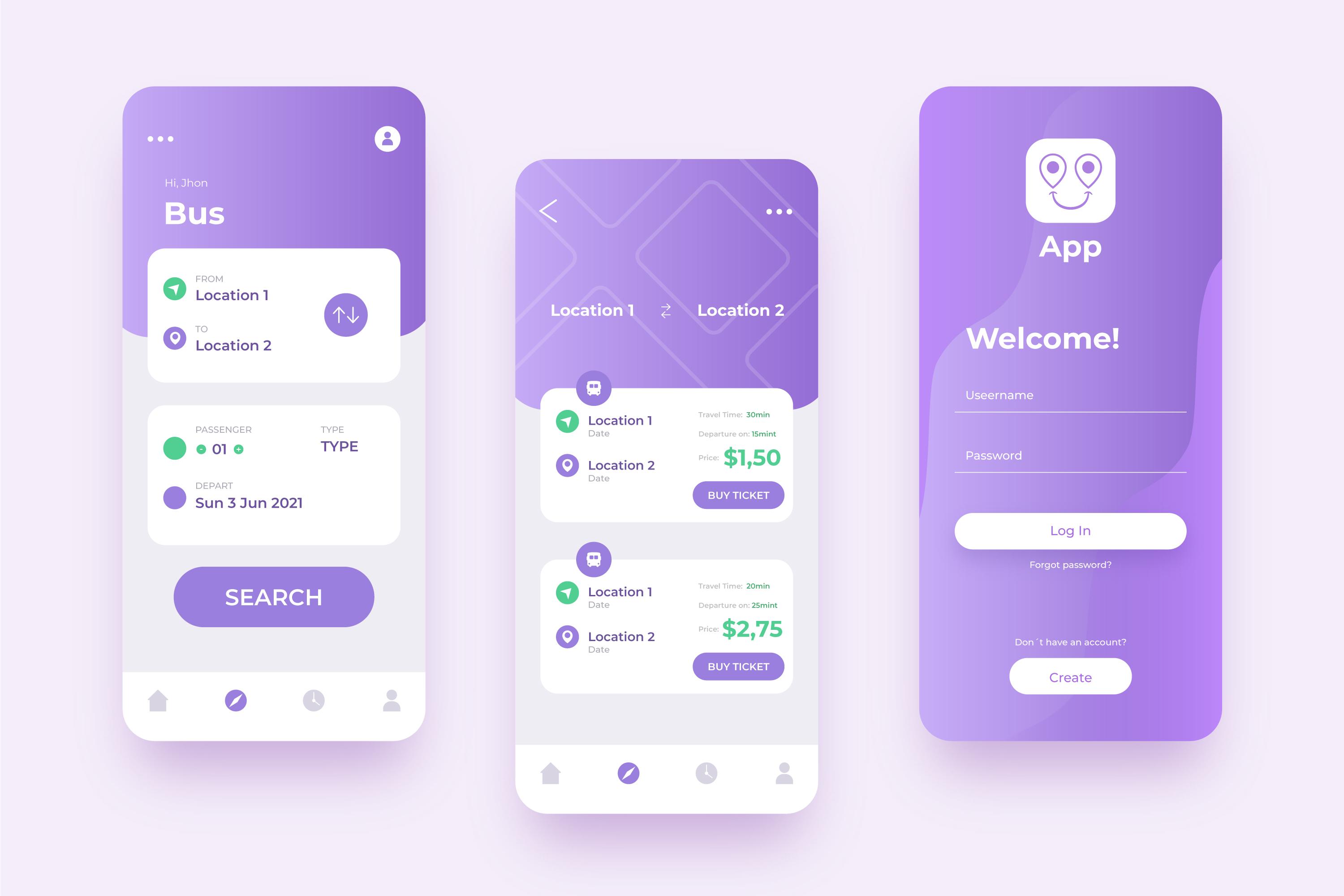
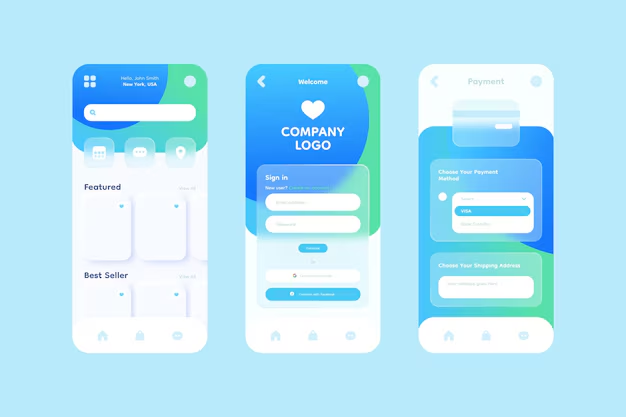
Once you have defined the broad outlines, move on to the next step: design and prototyping. Creating a clear and attractive design is essential to ensuring a pleasant user experience. Start by sketching interfaces on paper or use digital tools such as Figma, Sketch, or Adobe XD to design your mockups.

Design tips:
- Follow Android Material Design principles to ensure consistency with Android standards.
- Create an intuitive user interface by limiting the steps required to access key features.
- Use colors and fonts that are appropriate for your target audience.
Once the mockups are complete, move on to prototyping. Prototyping involves simulating the use of your application to test the user experience before development. Tools such as InVision or Marvel allow you to transform your mockups into interactive prototypes. This will help you:
- Identify any inconsistencies in navigation.
- Get feedback from your target users before investing in development.
- Optimize the user journey to maximize engagement.
Also remember to document your design decisions and create a style guide that will serve as a reference throughout the development process. Solid preparation in terms of design and prototyping will save you time and ensure a higher quality application.
To obtain a more accurate estimate of the cost of developing your application, please fill out our online quote form.
2. Choose your technology
Android offers several technologies for developing applications. Here are a few options:
- Java: The original language for Android, stable and widely used.
- Kotlin: More modern and official for Android, it simplifies code and reduces bugs.
- Flutter: Google's cross-platform technology, ideal for applications with an attractive user interface.
- React Native: A powerful alternative for creating cross-platform applications with an active community.
Differences between native applications and progressive web applications (PWAs)
- Native apps: These are developed specifically for an operating system such as Android or iOS. This allows them to offer optimal performance and take full advantage of the phone's hardware and software features (camera, GPS, push notifications, etc.). However, they require separate development for each platform, which can increase costs and development time.
- Progressive Web Apps (PWAs): These apps run directly in a web browser and do not need to be downloaded from a store. They simulate an experience similar to a native app (such as push notifications and offline use) while being accessible via a simple URL. PWAs are faster to develop and less expensive, but they have limitations in accessing certain hardware features and may offer a slightly less fluid user experience than a native app.
Choose a technology that matches your skills or those of your team. If you are a beginner, consider following free tutorials on YouTube or platforms such as Udemy or Coursera. Also consider technical and budgetary constraints when making your choice.
3. Choose the best option for creating your Android app
Depending on your resources, there are three main approaches available to you:
- Native development: Ideal for optimal performance and full access to Android features. However, this requires programming skills.
- Cross-platform development: Use Flutter or React Native to develop an application that works on Android and iOS, reducing development time and costs.
- Call in the professionals: If you have a sufficient budget, working with an agency guarantees a professional result. Calling on a web and mobile development agency is an excellent solution for maximizing your chances of success. Agencies have experts in design, development, and project management who can transform your idea into a high-performance, well-designed application. For example, NetDevices can support you through every stage of your project, from ideation to launch. Thanks to our expertise and understanding of our clients' needs, we can help you create a customized application that perfectly meets the expectations of your target market.
Choosing an agency can reduce your costs
Going through a specialized agency can be costly, but it's a good long-term strategy. Hiring a developer will always be more expensive in the long run.
Of course, depending on the scope of the project and the commercial development of the application, it will eventually be necessary to hire one or more developers. But initially, the support of an agency will be a real added value both in terms of skills and financially.
For example, our agency NetDevices is approved for the Innovation Tax Credit (CII), allowing our clients to benefit from a 30% tax credit on expenses incurred for their innovation projects. If the estimate for your project was €65,000 excluding tax, the actual budget after recovering the CII will be €45,500 excluding tax.
In general, the cost of custom development of a mobile application ranges from €20,000 to over €90,000, with exceptions reaching several hundred thousand euros for highly complex applications including, for example, artificial intelligence.
Several factors influence these costs, including the complexity of the features, the need to adapt the application to different platforms, and maintenance.
To keep the budget under control, it is advisable to start by defining an MVP (Minimum Viable Product), involving quality control from the outset of the project, and considering the option of using a specialized agency such as NetDevices!
4. How to find a development agency to properly create your Android app
Finding a competent development agency is a crucial step in ensuring the success of your project. Here are a few steps and tips for selecting the agency that will perfectly suit your needs:
1. Define your needs
- List the essential features and your specific expectations.
- Determine your budget and schedule.
- Specify whether you want native or cross-platform development.
2. Conduct thorough research
- Visit the agencies' websites to review their portfolios.
- Check online reviews and testimonials from former customers.
- Analyze their expertise in relevant technologies (Flutter, React Native, etc.).
3. Assess their experience
- Ask questions about similar projects they have completed.
- Ask for specific examples or case studies.
- Make sure they understand your industry and your goals.
4. Analyze their work process
- Discuss their project management methodology (Agile, Scrum, etc.).
- Check how they handle communication and revisions.
- Ensure that they offer tracking and updates after delivery.
5. Choose a transparent and reliable agency
- Compare several quotes to assess the value for money.
- Choose an agency that offers guarantees on deadlines and quality.
- Choose an agency that is willing to work with you on a long-term basis.
For example, NetDevices is an agency specializing in web and mobile development that supports its clients through every stage of their project. With proven expertise and a customer-centric approach, NetDevices is a reliable choice to ensure the success of your application.
5. Test your application
Testing is a crucial step in ensuring a good user experience. Here are some tips for testing your application effectively:
- Functional tests: Verify that all application features work as expected in various scenarios.
- Compatibility testing: Ensure that the application is compatible with different versions of Android and works on multiple devices (smartphones, tablets, etc.).
- Performance tests: Evaluate loading speed, application stability under different conditions, and battery consumption.
- User testing: Involve real users to obtain valuable feedback on usability, intuitiveness, and potential issues.
Tools such as Firebase Test Lab, TestFairy, or Appium can help you automate certain tests. Don't forget to document any issues encountered and fix them before going live.
6. Publish your app on app stores
To make your app accessible, follow these steps to publish it on the Google Play Store:
- Create a Google Play Console developer account ($25 one-time fee).
- Prepare the necessary information:
- Application name: Be concise and impactful.
- Detailed description: Highlight the strengths and unique features of your application.
- Screenshots and videos: Present a clear and attractive interface.
- App icon: Create a professional design that captures attention.
- Download the APK or AAB file generated after testing.
- Configure monetization settings, such as in-app purchases or subscriptions, if applicable.
- Submit your application for validation in accordance with the strict rules of the Google Play Store.
Allow a few days for validation and be prepared to make adjustments if necessary.
7. Update and improve your app
After publication, the work continues. Here are some best practices for keeping your application up to date:
- Analyze the data: Use tools such as Google Analytics or Firebase to understand how users interact with your application.
- Fix bugs: Respond quickly to user feedback and offer fixes promptly.
- Add features: Offer regular updates to keep your users engaged and meet their evolving needs.
- Optimize performance: Continuously improve the speed, efficiency, and compatibility of your application with new devices.
- Communicate with your users: Use push notifications and social media to inform your users about new features and updates.
An app that is regularly updated is perceived as more reliable and professional, which promotes user loyalty.
By following these steps, you will be able to create a high-performance Android app tailored to your users' needs. With patience, creativity, and good planning, your idea could become the next big hit on the Google Play Store. So, what are you waiting for? Get started today!
Creating a mobile app for Android is an ambitious but achievable project with good planning and the right resources. Each step, from the initial idea to launch, requires careful attention to ensure a high-quality result.
Please feel free to contact us for a comprehensive quote for your next project.
Kyomi is the marketing manager at NetDevices. Passionate about digital technology, she supports companies with their web, SEO, and AI strategies to maximize their visibility and growth.